Digital Photography, Graphics Barcode Software Digital Photography, Graphics Barcode Software
  • Language
    • de Deutsch
    • it Italian
    • es Spanish
    • fr French
    • mx Spanish
    • ru Russian
  • Products
    • Zoner Photo Studio
    • Zoner Draw
    • Zoner Panorama Maker
    • Zoner 3D Photo Maker
    • Zoner Photo Print
    • Zoner Web Gallery
    • Zoner Barcode Studio
    • Zoner GIF Animator
    • Sendblaster
  • Download
  • Order
  • Upgrade
  • Partners
  • Support
  • Products
  • Zoner Photo Studio
    • Compare Versions
    • Download
    • Features
    • Older Versions
    • Screenshots
    • New features
    • Order »
  • Zoner Draw
  • Zoner Panorama Maker
  • Zoner 3D Photo Maker
  • Zoner Photo Print
  • Zoner Web Gallery
  • Zoner Barcode Studio
  • Zoner GIF Animator
  • Sendblaster
Zoner Photo Studio 10

Zoner Photo Studio 10

Digital Photography Unleashed

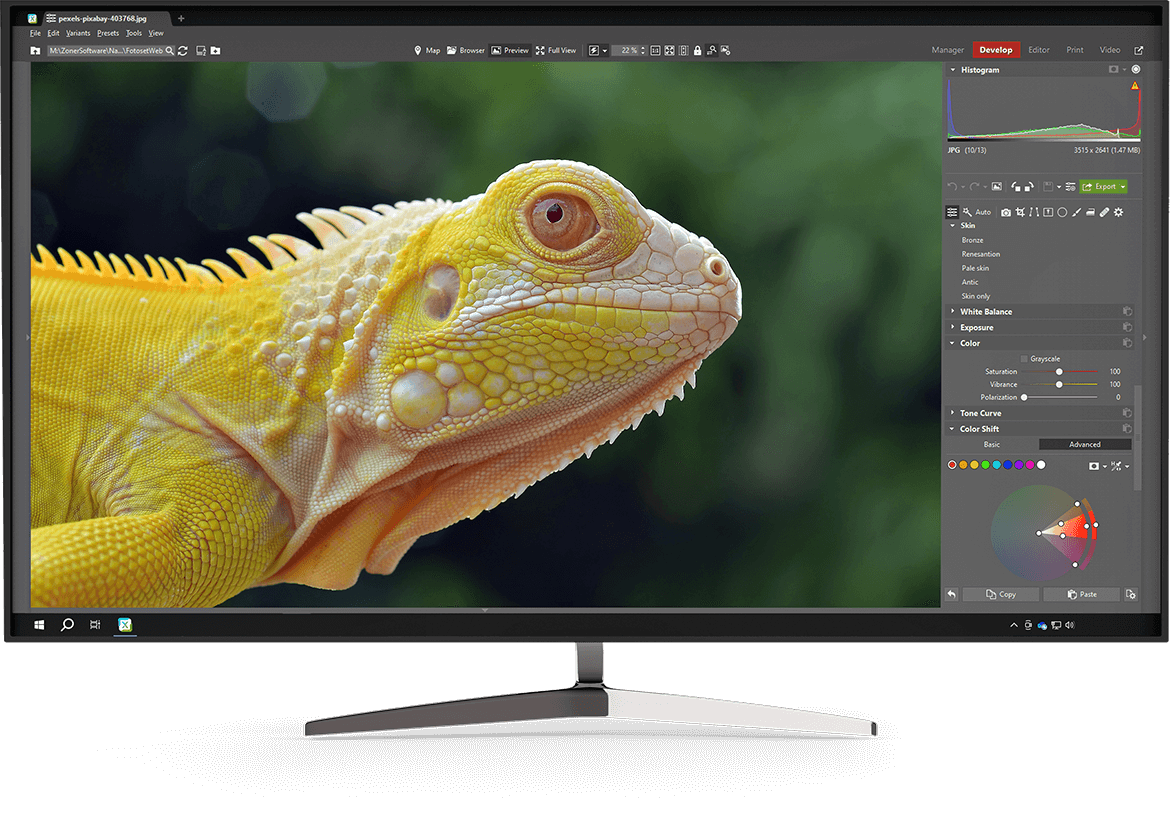
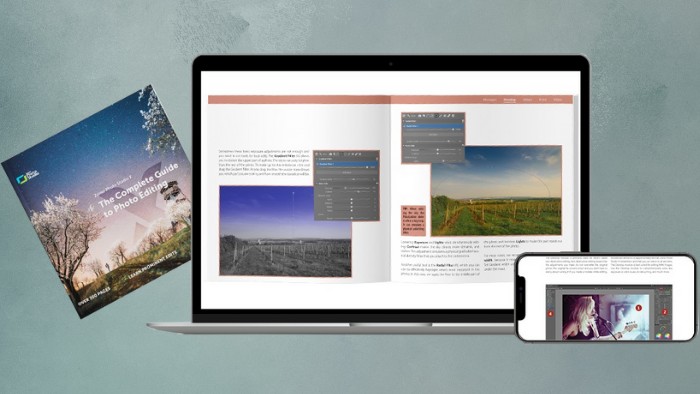
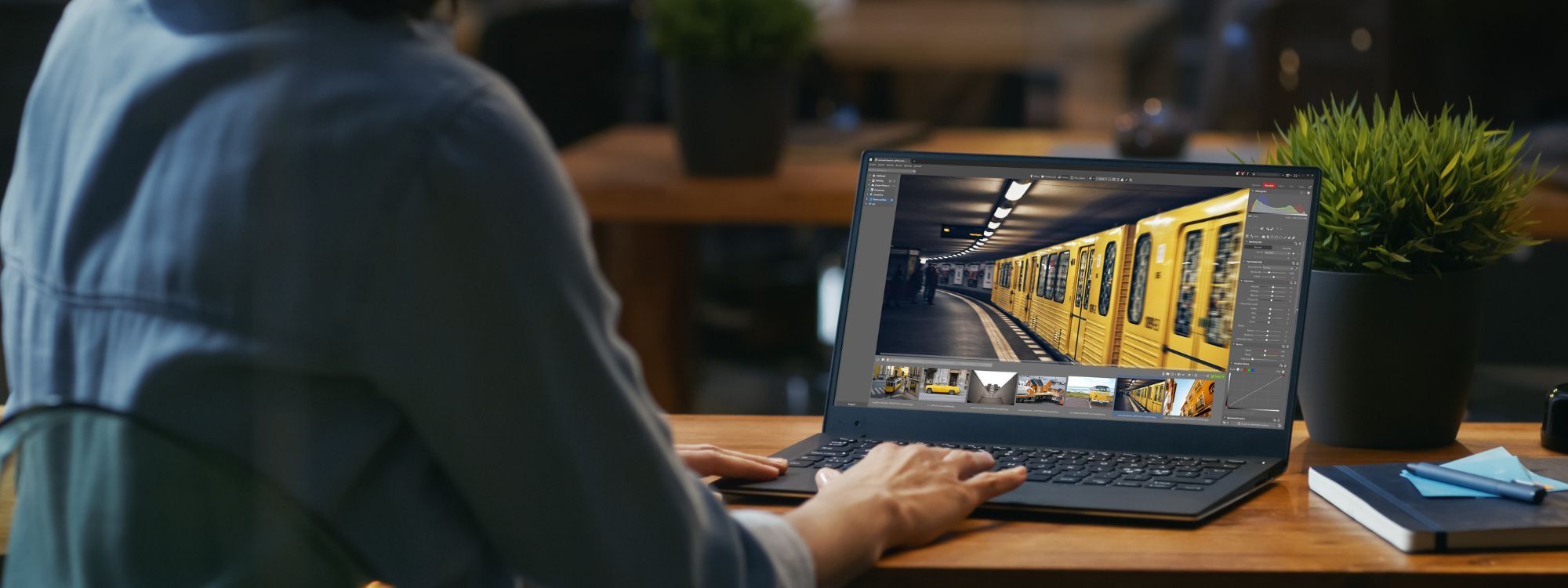
Zoner Photo Studio leads you step-by-step through the process of managing and working with your digital photos: acquiring, editing, archiving, and publishing them. The all-in-one solution is exceptionally easy to use and saves you time and money: create great photos using just one program!

  • Download Free Trial
  • Buy Now
  • $84.95

Acquiring Images

Zoner Photo Studio supports all digital cameras, including special connection types supported by Canon.Supported also are scanners and other TWAIN devices, too. You can also use ZPS to acquire photos from websites, via screen capture, or the Windows Clipboard.

Zoner Photo Studio supports all of the professional RAW formats, including DNG and CRW and CR2 from Canon.

Photo Editing and Enhancement Tools

Zoner Photo Studio has everything you need for enhancing photos and removing image defects:

  • exposure level settings including editing curves and levels, colors, sharpness, and histogram levels
  • shadow brightening
  • red-eye reduction, noise, and chromatic defect correction
  • barrel/pincushion correction
  • image editing of perspective, horizon, and collinearity
  • retouching tools - clone stamp, iron, fill, and paintbrush
  • picture rotation and cropping
  • advanced batch operations for processing multiple photos at once

Batch Editing

Digital photography can easily mean hundreds of photos per shoot, special event or outing. Brushing up that many photos individually can take hours. With Zoner Photo Studio it doesn’t have to! Use the batch filter in Zoner Photo Studio 10 to make any combination of edits to any set of photos you want. You can even save and re-use your edit settings.

Use Zoner Photo Studio to create stunning image effects such as:

  • panoramas
  • 3D pictures
  • conversion to grayscale and color manipulation
  • explosions
  • oil painting
  • antique photos
  • adding grain and waves
  • frames, envelopes, soft shadows and much more!

GPS Support

Let your photos tell you where they were taken! With Zoner Photo Studio, your pictures can store GPS (Global Positioning System) data - the longitude, latitude, and even altitude where they were taken. Zoner Photo Studio can help you enter this info manually or automatically transfer it from your GPS device’s track log. Then view the shot locations using an on-line map such as Google Maps.

  • Precise 16-bit/channel processing
  • More on the tools in Zoner Photo Studio

Managing Your Digital Archive

Zoner Photo Studio makes it easy to organize your photos. With Zoner Photo Studio you can quickly add text descriptions, audio comments, and even the location of each picture as given by your GPS device. You can also create itemized catalogs of your photos stored on external media (CDs and DVDs). The search, filter and sort functions ensure quick access to your photos.

Explore the Possibilities for Presenting and Printing Pretty Pink and Purple Painted Pickle Portrait Photos

Zoner Photo Studio supports many templates to help you personalize your photos even more. Make your own calendars for family members using dynamic calendar templates. With Zoner Photo Studio, you have the tools to create web galleries and can quickly optimize your photos for sending by e-mail. Create slide shows with transition effects, and turn your favorites into panoramas or 3D photos. Share your photos in a PDF or on a DVD or CD- ZPS supports the VideoCD format.

Web Galleries

Web galleries offer you an easy way to present your photographs for viewing by friends and family on the Internet. The Web Gallery Wizard in Zoner Photo Studio means no-hassle creation of web galleries. You will achieve impressive results - with no HTML programming required. Visitors to your online gallery can take advantage of advanced features like discussion forums. Zoner Photo Studio’s GPS functionality even supports web galleries, so you can include an online map where you took the picture.

  • More on composing HDR pictures
  • More on creating 3D photos
  • More on creating panoramas

Choose the Zoner Photo Studio Version to Fit Your Needs

Zoner Photo Studio is available in four Editions containing a varying portion of its complete portfolio of tools.

  • Compare the Professional, Home, Xpress, and Classic versions

Compatibility with Windows Vista

Zoner Photo Studio 10 is fully compatible with Microsoft® Windows® Vista.

System Requirements:

OS: Windows™ 2000/XP/Vista. Cannot be installed on Windows 95/98/ME.
Processor: Pentium 300 MHz or higher
Memory: 256 MB RAM
HDD: 120 MB of free disk space
Resolution: 1024 × 768 High Color
Internet Explorer 6.0 and DirectX 8 (or higher) must be present
The downloading of photos over the WIA interface is not supported on Windows 2000

  • Publish
  • Acquire
  • Information
  • Edit
  • Editor
  • Buy Now
  • $84.95

 
Contact Us | Privacy Policy | Refunds
© 2008 ZONER Inc.