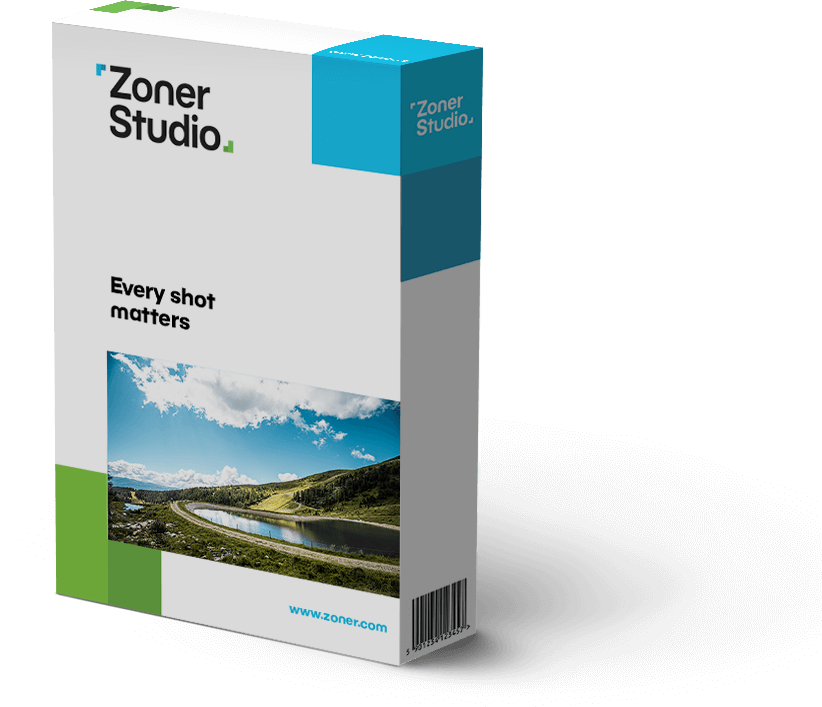
Zoner Studio
新名称、新しい道へ
画像、動画編集・管理
ソフト、最初の一歩から
高度な編集まで
「Every shot matters」
どの一枚も、大切に。
写真に、あなたの物語を語らせて。最近の旅行でも、家族との時間でも、好きなことでも。写真や動画を編集して、思い描く世界をかたちにしましょう。
画像、動画編集・管理ソフト
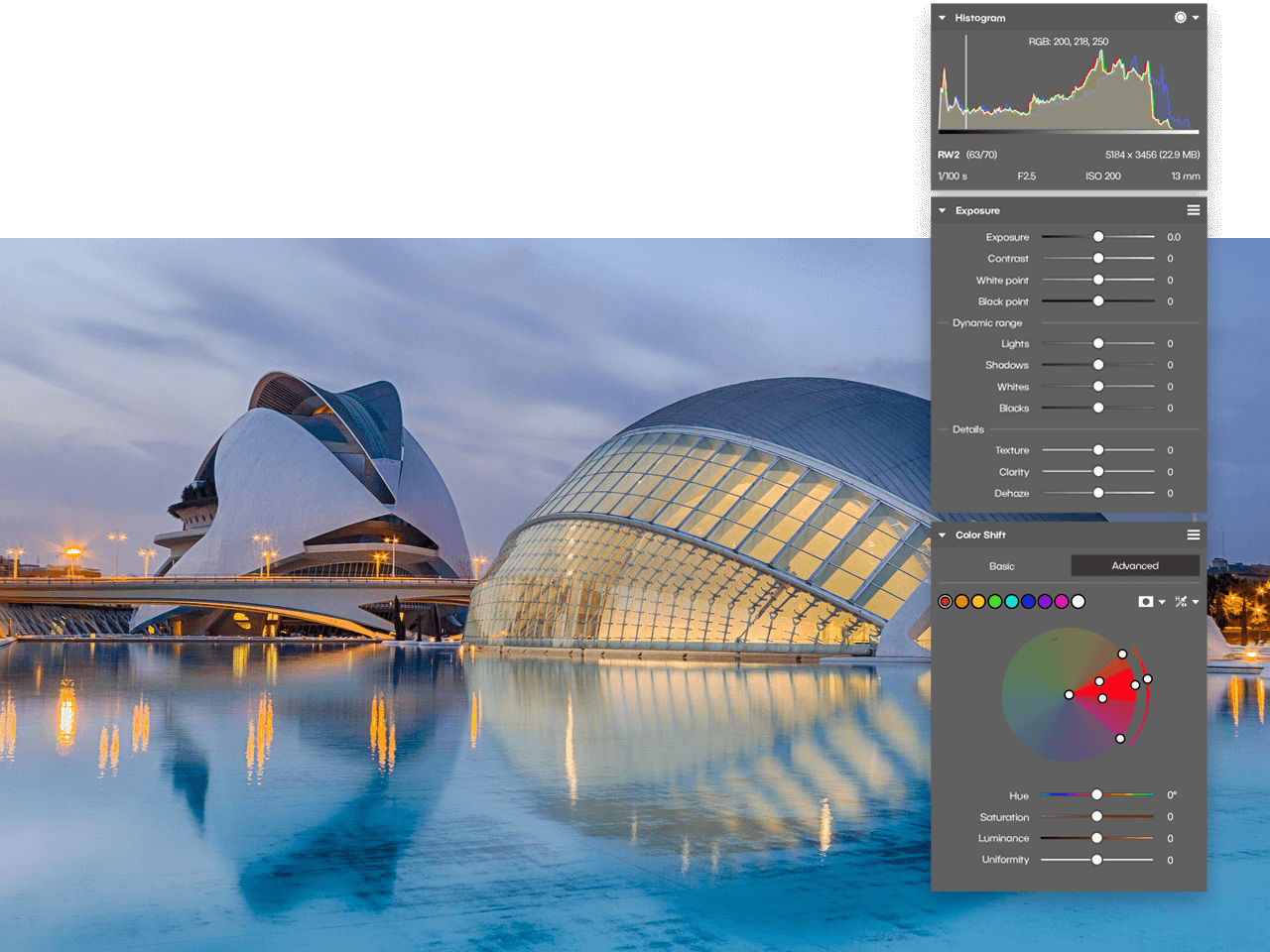
インポートから管理、高速で直感的な編集、共有までのワークフロー
ご紹介
Zoner Studioですべての編集を完璧に
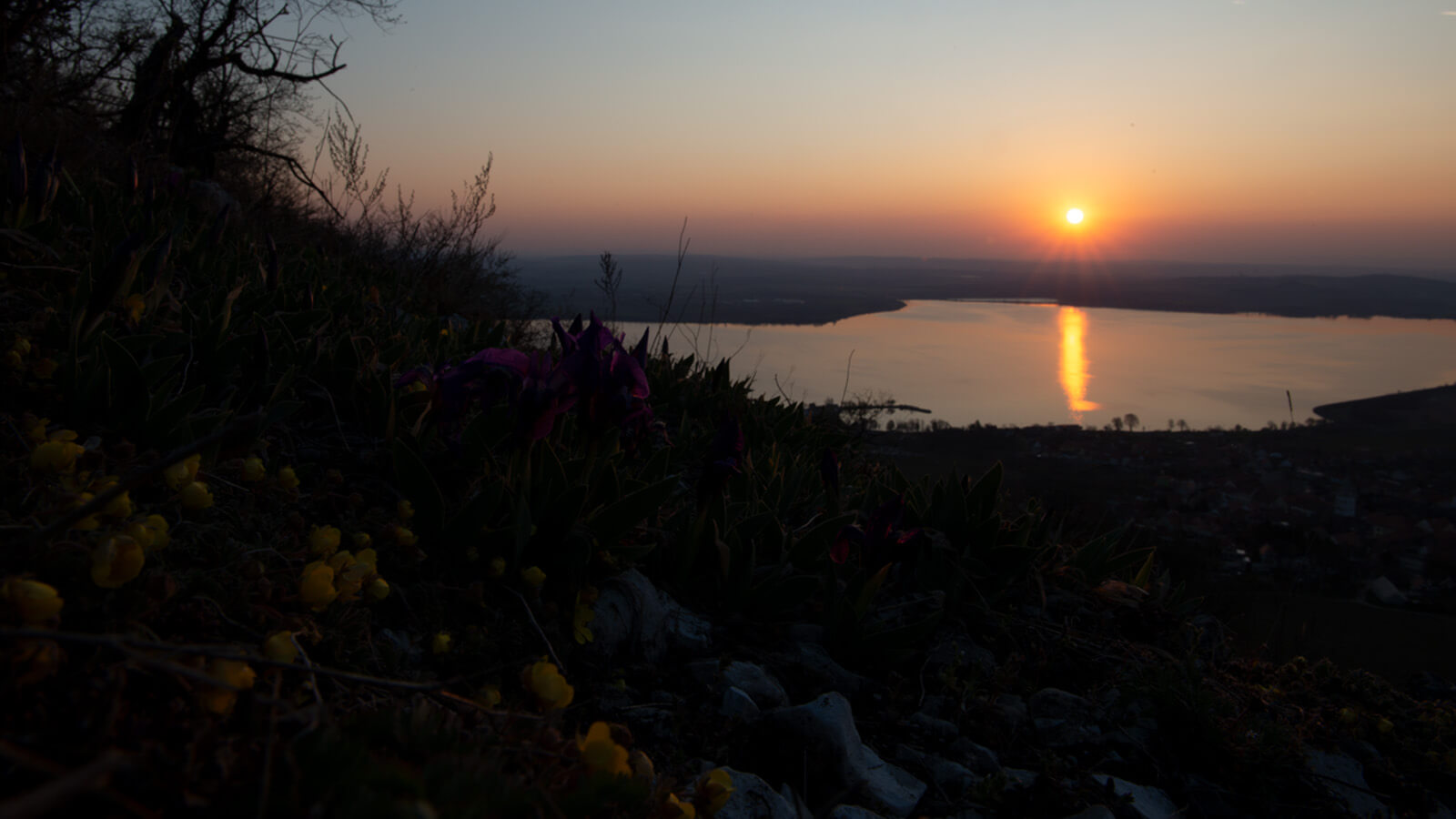
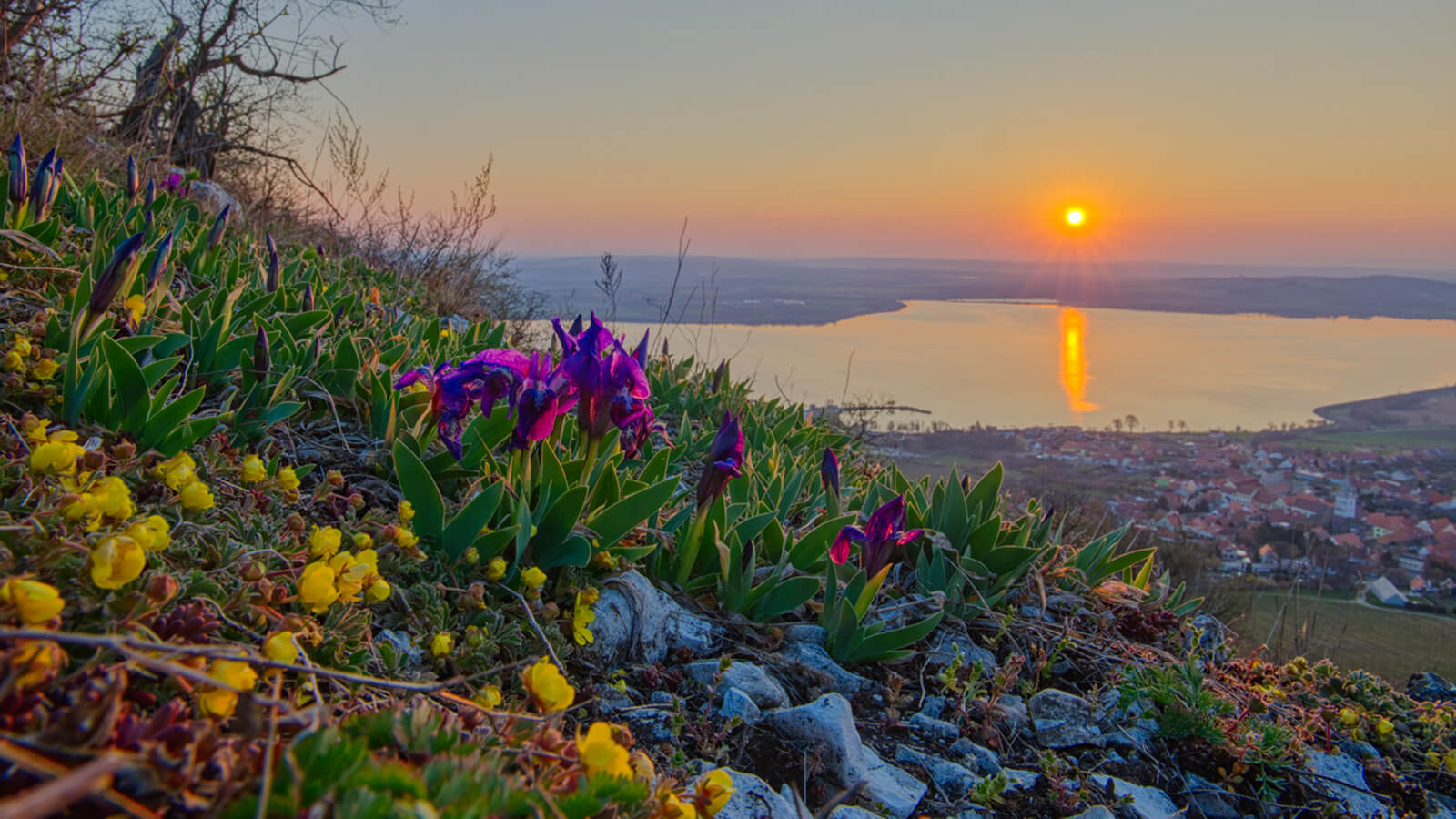


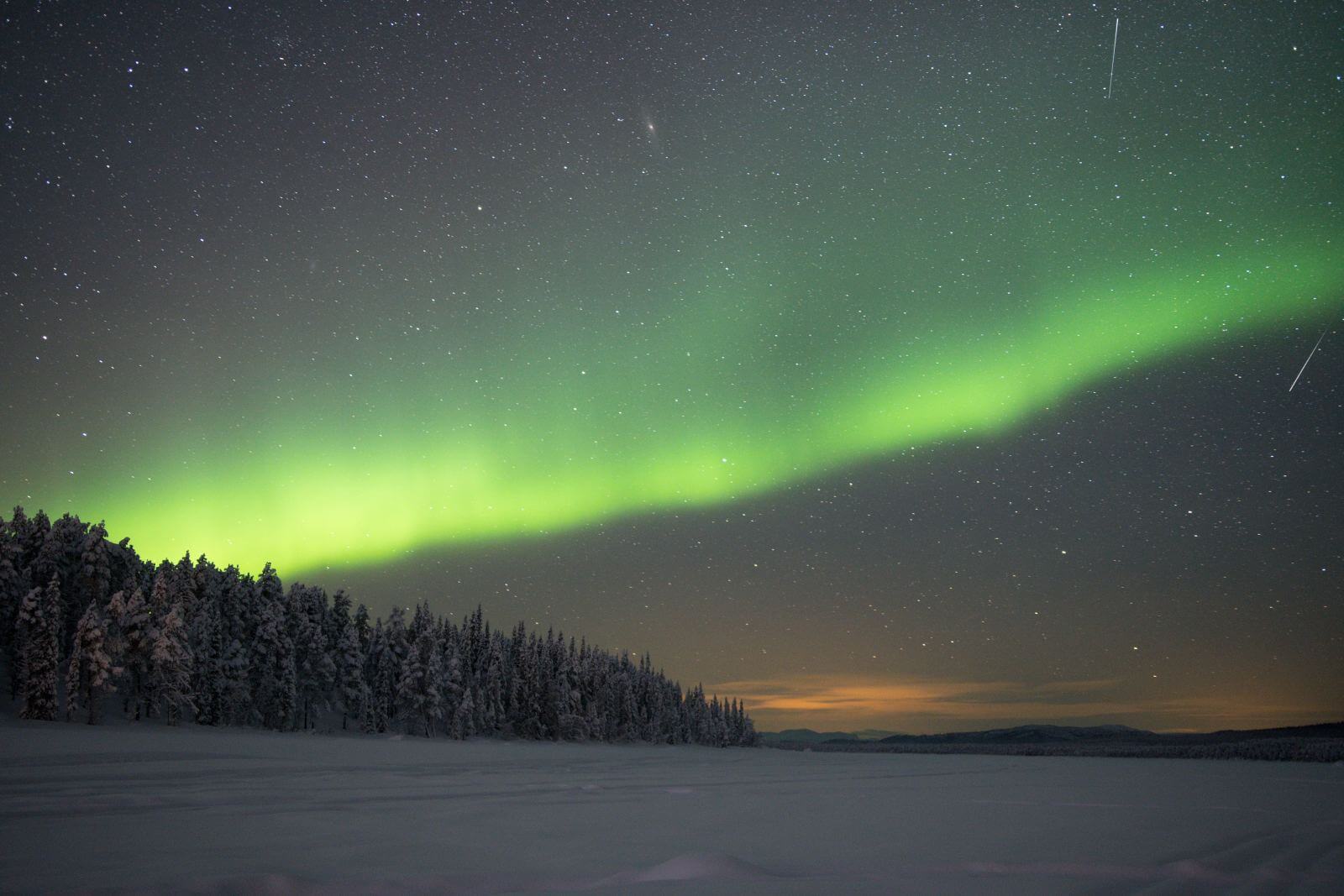
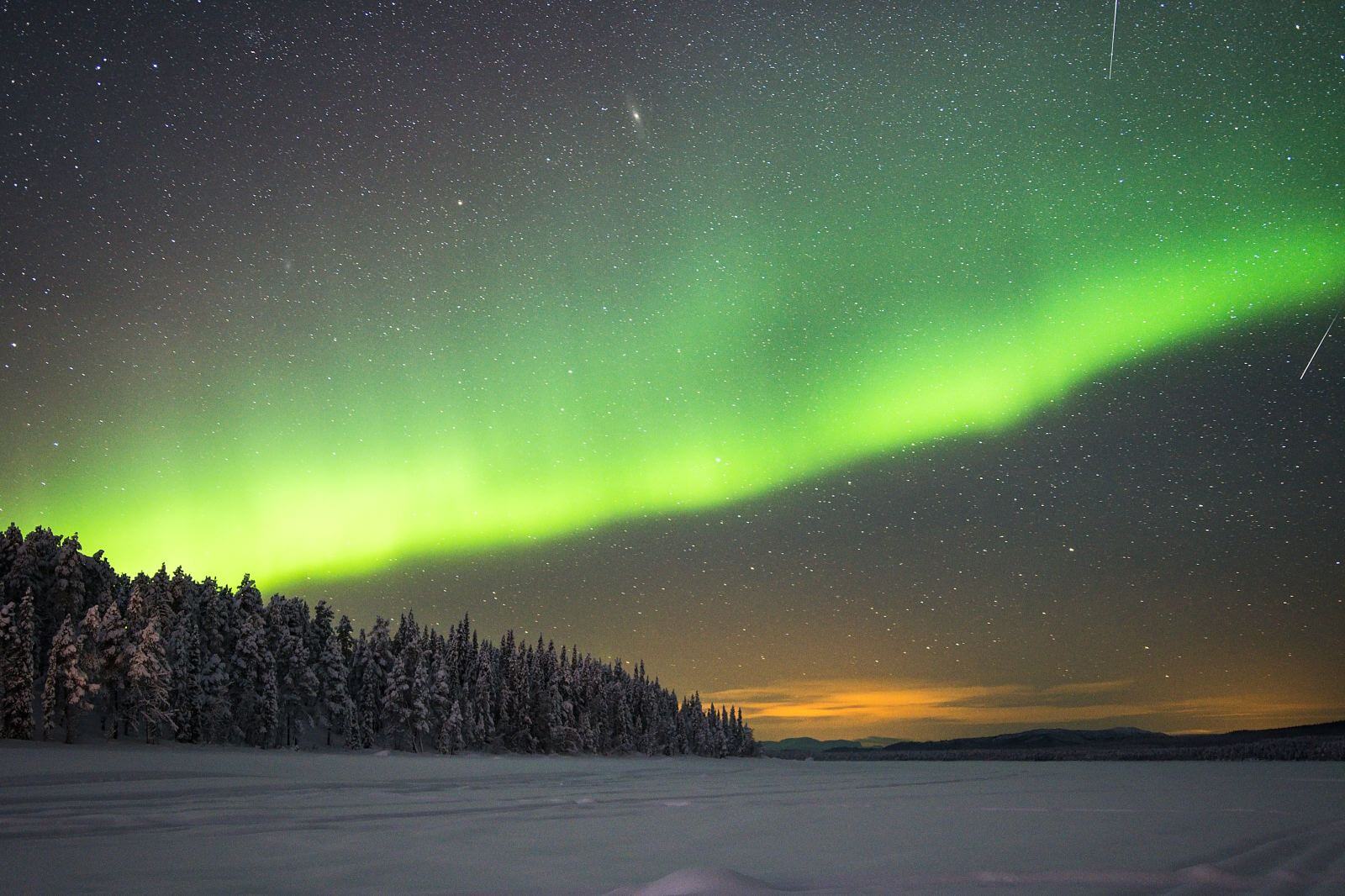
フォトグラファーからの評価
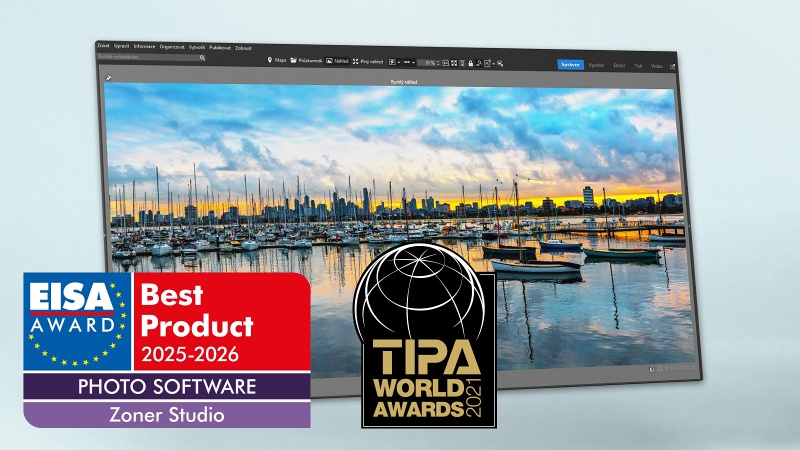
🏆 EISA Award 2025-2026で、世界最高のフォトソフトウェアに選ばれています。
優れた代替手段
使いやすく、Photoshopで画像を操作する時間をかけずに良い結果が得られます。他の選択肢と比較して価格も非常にリーズナブルです。完璧ではありませんが、完璧な写真ソフトウェアはありません。難しい学習曲線を経ずに素晴らしい結果を得たいユーザーにおすすめで、慣れて豊富な機能セットを掘り下げていけば、さらに多くのことができる能力も備えています。
Ron 氏
見やすいUI
非常にわかりやすく整然としたインターフェース(UI)です。多くの場面で自然と操作方法が身につきます。私は主にドキュメンタリー写真、スタジオ撮影、そして人物や人間文化の撮影を扱っています。Zoner Studioは、継続的にアップデートと改善が行われている、非常にお手頃なプログラムです。6年にわたり、私のメインの写真編集プログラムとなっています。
Ulf 氏
高速かつ効率的
1枚の写真に使える時間は約2分しかなく、編集に多くの時間を割けません。しかし、Zoner Studioのおかげで整理ができ、素早く効率的に作業できます。コストも節約できます。私は平均的なカメラ機材で撮影していますが、それでもトップチームに高品質な成果を届けられています。
Milan 氏

05.11.2026
How to Import Photos with Zoner Studio
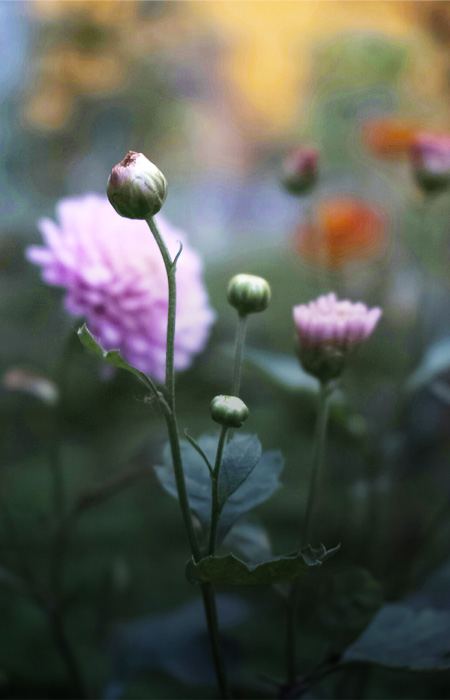
How can you transfer photos from your memory card to your computer and keep them organized from the very beginning? 📸 In this video, we'll show you how the Import feature in Zoner Studio works.

13.11.2026
How to Shoot Street Photography | Tips & Techniques by Lenka Krejčová
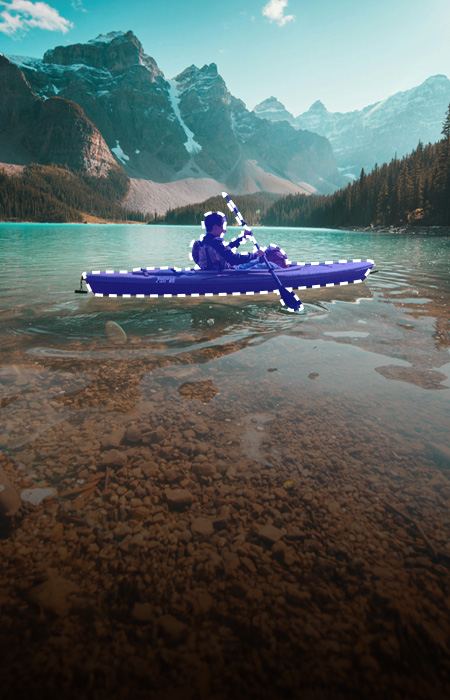
📷 Great street photography often comes down to a split second.

01.10.2026
3 Tips for Editing the Sky in Your Photos
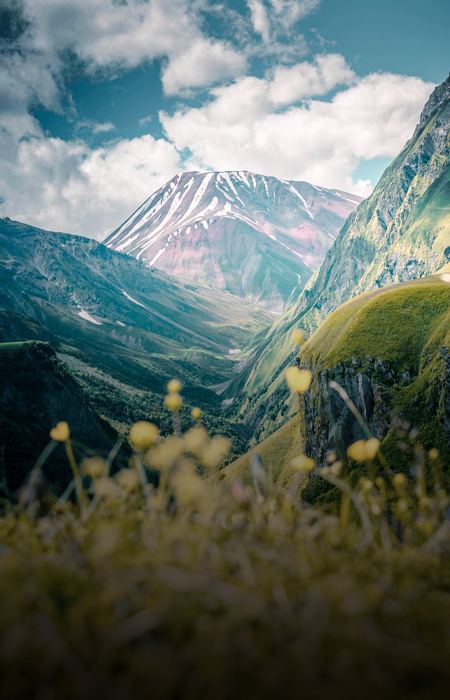
Learn 3 simple tricks for better sky editing in Zoner Studio.

03.11.2026
Smartphone or Camera? 6 Situations When a Smartphone Doesn’t Cut It
Today’s smartphones can take surprisingly high-quality photos. But as soon as the lighting conditions worsen, the subject starts moving, or you want a naturally blurred background, their limitations become apparent. Find out in which situations a traditional camera still has the edge and when your smartphone can do the job just as well.

29.10.2026
Photo Story: How I Almost Lost My Gear to a Sandstorm for an “Alien”
A sand quarry straight out of Mars, an “alien” in a silver jumpsuit, and ribbons of light twisting through the sunset. That was the game plan for a photoshoot that quickly turned into a full-blown battle against the wind and sand. Here’s the story behind the photo, what the sudden sandstorm ruined, and how much it cost to clean my camera after it was all over.
27.10.2026
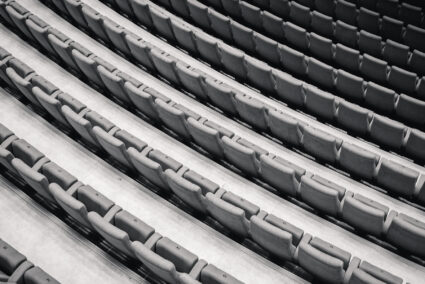
Patterns, Rhythm, and Texture: Discover the Hidden Compositions Around You
The world around us isn’t just a random collection of objects. It’s a fascinating network of lines, planes, and surfaces. Sometimes it’s the rhythm of repeating shapes or the raw quality of a certain material that gives a photograph its power, even when it lacks a central subject. In this article, I show you how to find order in natural chaos, how to use side lighting to bring out tactile texture, and why it’s sometimes effective to intentionally disrupt a perfect pattern with one imperfection.
よくある質問
有効なライセンスをお持ちの場合は、公式ホームページよりインストーラーをダウンロードしてください。また、Zonerアカウント 内にて「インストーラーをダウンロード」をクリックしてください。
ライセンスをお持ちでない場合は、このページ にてメールアドレスをご入力いただきお進みください。インストールウィザードの指示に従ってお進みください。
Zoner Studioのご購入場合は、こちらのページ から購入手続きを行ってください。その後、Zonerアカウントからプログラムをダウンロードしてください。対応OSは、Windows 10・11となります。
有効なサブスクリプションをお持ちのユーザー様は、Zoner Studio を複数の端末でご利用になれます。有効なサブスクリプションにより、すべての機能、完全版がご利用になれます。定期アップデートで新機能も追加されます。サブスクリプションの特典について詳しくはこちらです >> 詳細
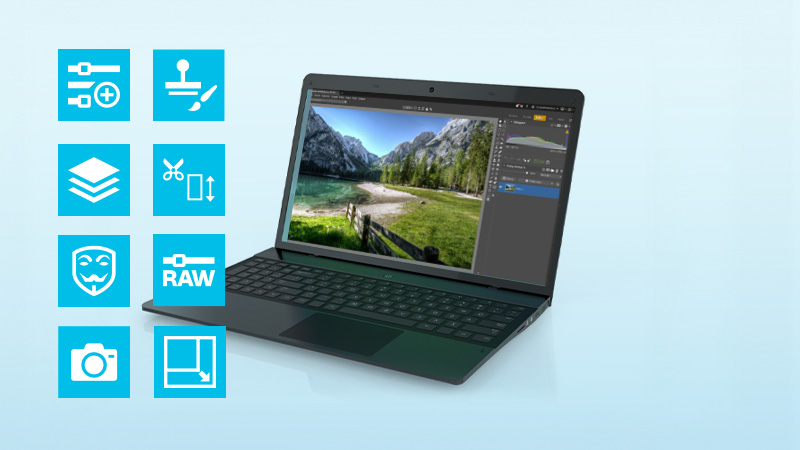
RAWファイルを含む写真と動画、両方を編集することが可能です。Zoner Studioは、トリミング、露出、レイヤー、エフェクト、色補正など、基本から高度なツールまで提供します。非破壊編集により、元の画像データは変更されずに保たれます。
Zoner Studio
7日間無料体験版