Zoner Studio:
What’s New?
Zoner Studio Summer Update 2026
Group photo series, smarter search, improved Autostack, Smart Healing, and other enhancements photographers can actually use.
Zoner Studio Fall Update 2025
Discover enhanced AI detail preview, smart photo upscaling, and easy edit comparison with split view. We also improved photo book editing, added new crop marks, and introduced more handy features to make everyday editing smoother.
The Spring 2025 Zoner Studio Update
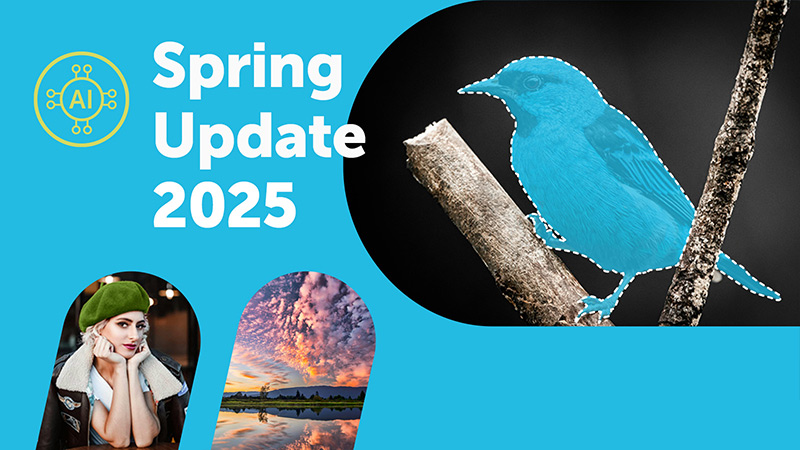
The Spring Update brings AI tools to save you time and effort. With the new Color Range and Luminance Range masking tools, you get full control over the colors and highlights and shadows in your photo. You can also now create a collage for social media.

ZPS X Fall Update 2024
Let AI do the work for you. Introducing smart features that simplify your workflow. New additions include the Color Reconstruction feature for blown-out photos, Autostacking similar photos, and support for the Loupedeck editing console. Get better photos with intuitive tools!
The Spring 2024 ZPS X Update
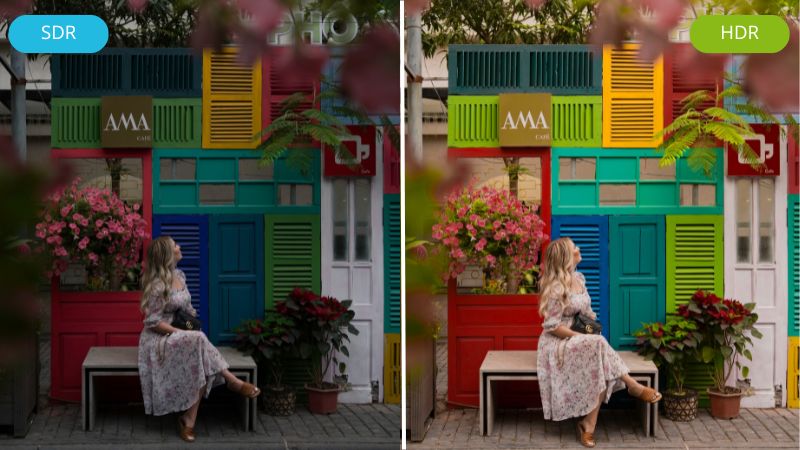
The spring update brings unique HDR technology to bring out the best brightness, detail and emotion in your photos. With new glow, halation and 3D grain effects, you'll be able to add a unique flair to your photos, and keyboard shortcuts will make working in the program a snap.
The Autumn 2023 ZPS X Update
The autumn update brings 3D LUT support, time saving graphics card, optimization for low-end computers, availability of all tools even for local editing and the ability to set default setings for RAW file processing.
The Spring 2023 ZPS X Update
The spring update brings the largest batch of improvements since Version X was released. Native support for 1200+ camera lenses, major upgrades to the Video module, use of multiple monitors, reorder tabs in the program header...
The Autumn 2022 ZPS X Update
The Fall ZPS X update brings you true-to-life colors with new native support for RAW file formats. Also, more convenient editing with Full View and faster workflow thanks to the Browser in the Develop module.
The Spring 2022 ZPS X Update
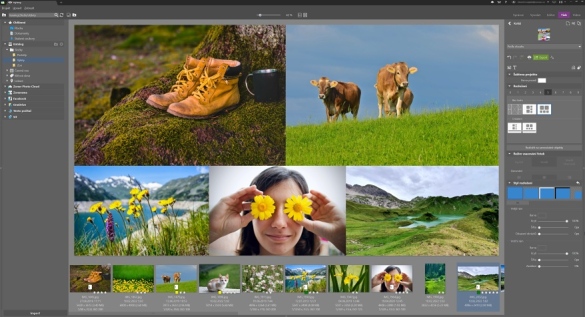
Our new spring update satisfies both people by offering the ability to customize ZPS X according to your needs. You can also view photos faster and more conveniently than ever before.
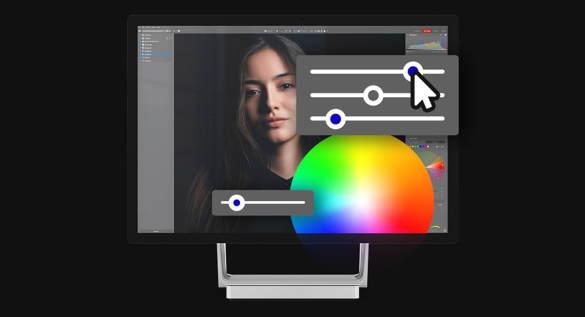
The Autumn 2021 ZPS X Update
With the new Autumn Update, editing your photos will be lightning fast. On top of that, new functions will make sure that not even the tiniest detail is left out of your photo. Zonerama and video editing also got their fair share of updates.
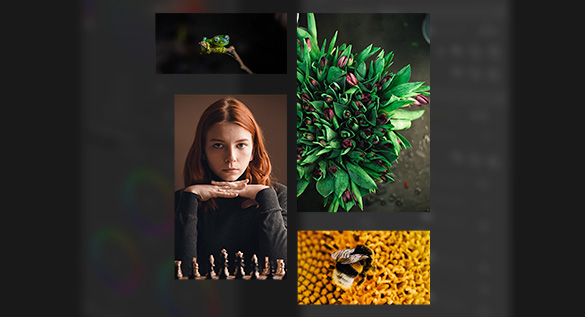
The Spring 2021 ZPS X Update
This March’s update brings lots of enhancements for more efficient work with pictures and videos, along with easier new ways to present your creations.
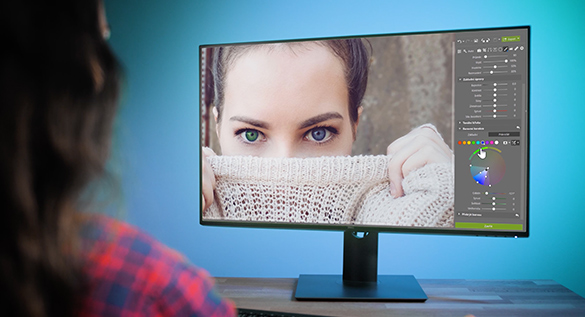
Fall update 2020
Enhanced local edits, more versions of a single photopraph, adjustable intensity presets, and other improvements to make working with your photos quicker. The Fall update is here!
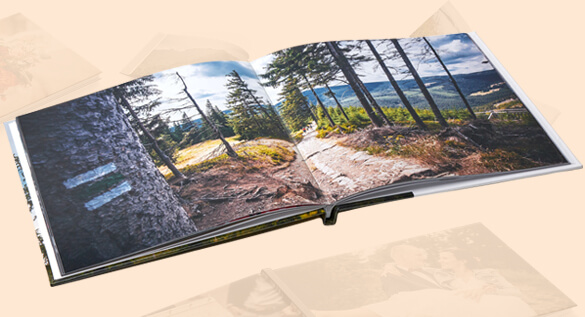
The 2020 Spring Special Update for ZPS X
This spring is especially full of new features from Zoner—we’ve prepared a special update for you with major improvements to our tools for creating photo books, auto-saving and an easier-to-navigate Create module overall.

The 2020 Spring Update for ZPS X
New color correction features that open the door to fantastic color transformations. Color toning for lights and shadows. Quicker work in the Develop module... and many more improvements.
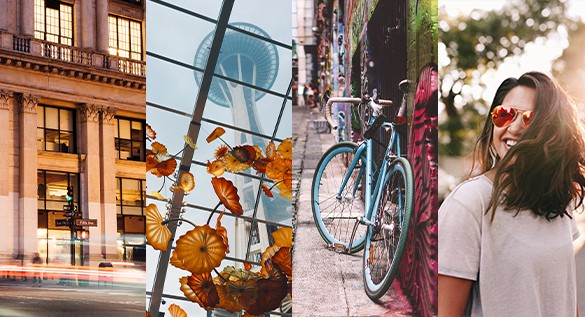
The 2019 Autumn Update for ZPS X
Perfect colors, better export, faster photo rating, compromise-free RAWs, and much more. The ZPS X Autumn Update will bring your photo work several steps ahead once more.
The Spring 2019 ZPS X Update
An end to slow work with RAWs, a new day for face retouching with powerful AI, and new tricks in the video editor. ZPS X has new features that will save you hours and hours.
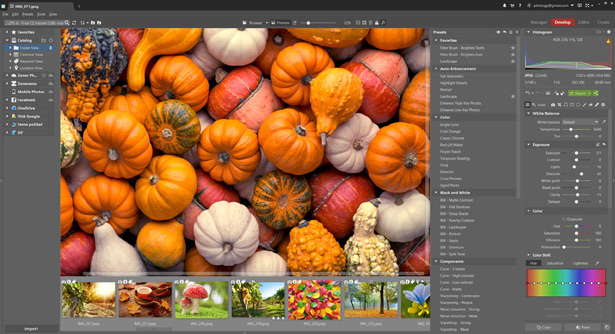
ZPS X Autumn Update 2018
In this update, we took a hard look at our tools for videos, presets, and Zoner Photo Cloud—you’ll now be able to work with them faster and more enjoyably than ever.
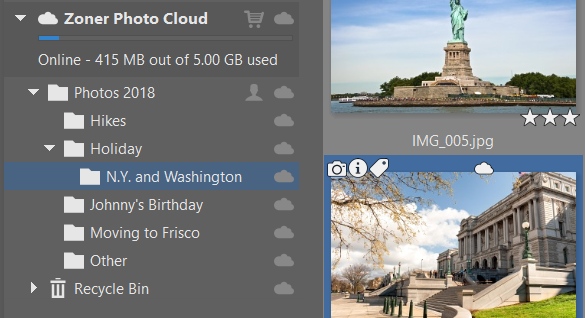
The ZPS X Summer 2018 Update ☁
This update introduces Zoner Photo Cloud—your safe and personal photo storage. Your photos are now available wherever you use ZPS X. Just log in with your Zoner Account.
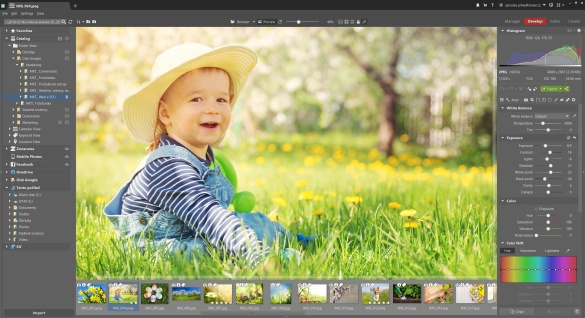
The ZPS X Spring 2018 Update
In our new spring update, you’ll find faster RAW loading, AI-powered auto-enhancement, a better interface for work with layers, and an entirely new set of preset filters.
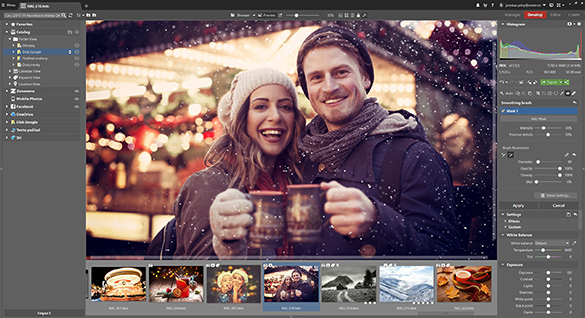
ZPS X Winter 2017 Update
Our winter update brings you new retouching tools, a polarization filter, and significantly improved work with layers. It also makes ZPS X first in the world to fully support the HEIF format.
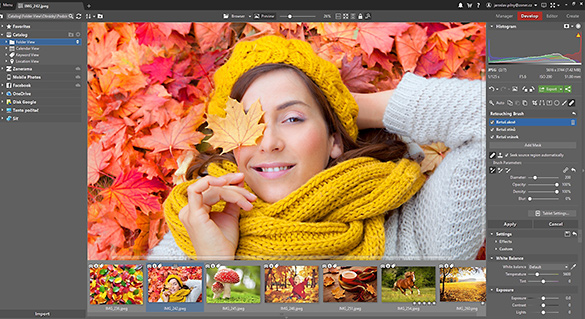
The ZPS X Autumn 2017 Update
This anniversary update brings a unique retouching brush, adjustment layers in the Editor, video trimming, improved tablet pressure handling, and other new features.
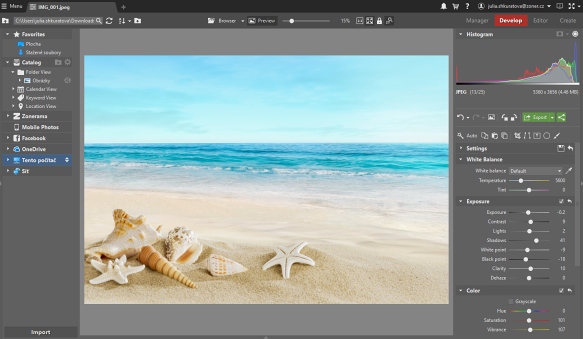
ZPS X Summer Update 2017
The Summer Update brings an easy way to choose between similar photos, greatly improved clarity tool, more sharing options and much more.
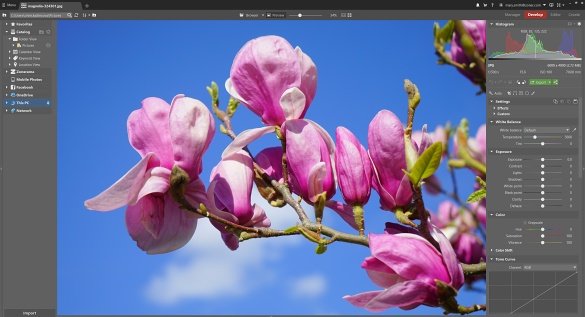
ZPS X Spring Update 2017
The Spring Update brings you selective edits in Develop, a Refine Edge tool in the Editor, redesigned automatic edits, and many other new improvements!
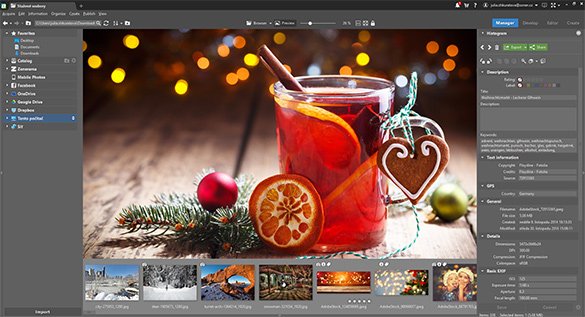
ZPS X Winter 2016 Update
Discover new exposure-editing features, major improvements to work with layers, and more in this pre-Christmas update.
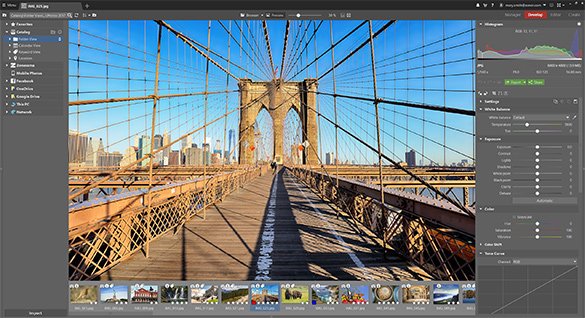
ZPS X Release
The release of our latest version, Zoner Photo Studio X, with layers support.