
Zoner Photo Studio X
The most useful photo and video editing software you’ve ever seen
Try ZPS X for free The only program you need
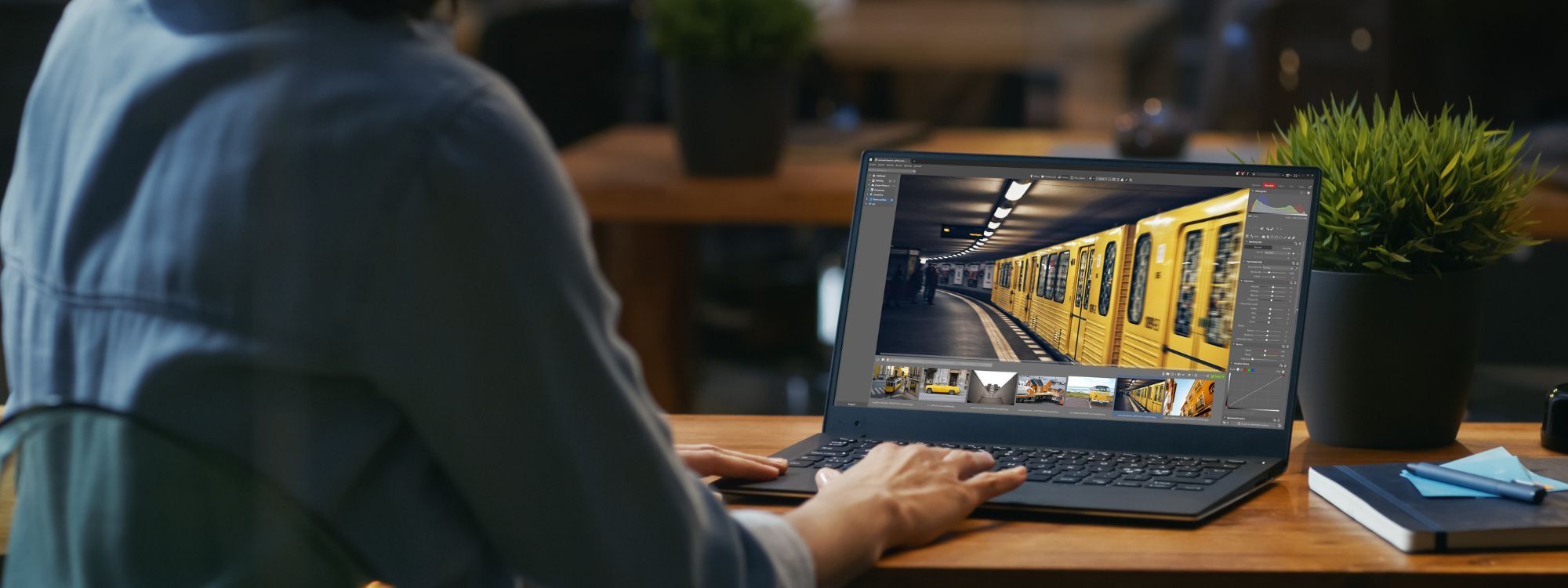
With Zoner Photo Studio X, importing, organizing, editing, sharing, and printing your photos is a snap. The same goes for video.
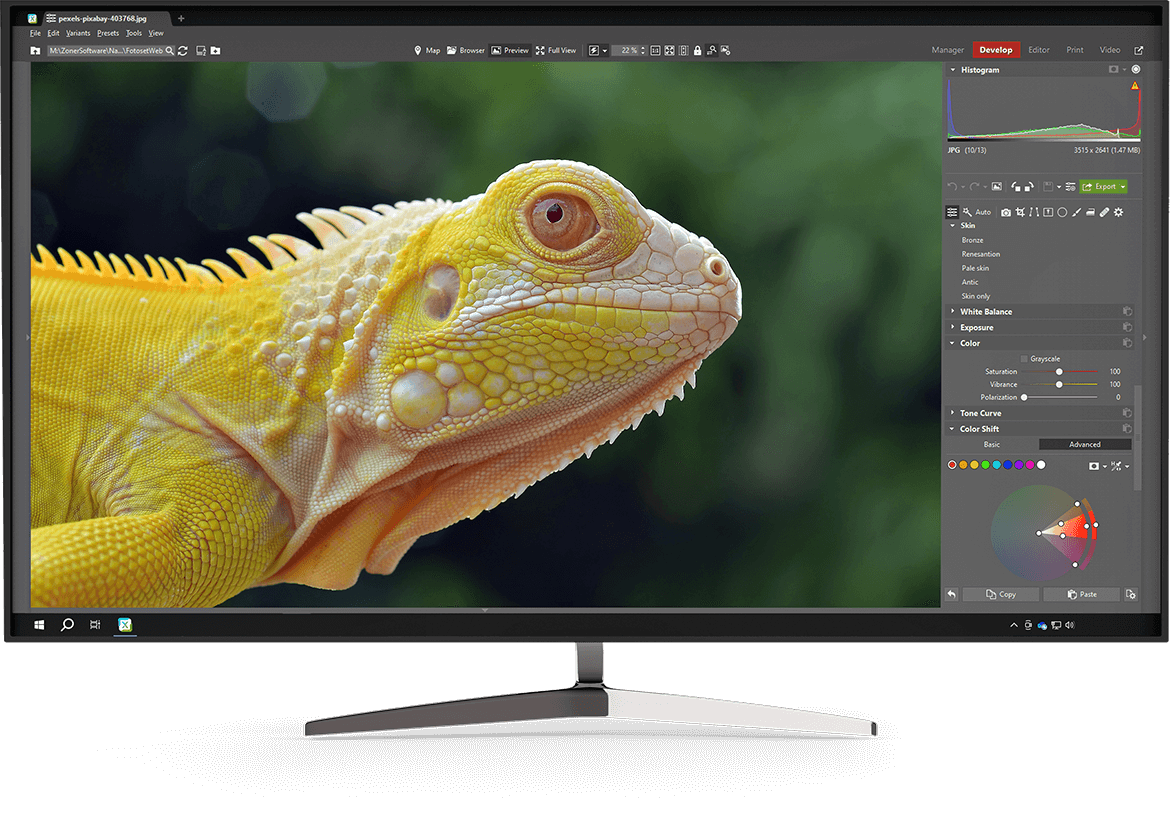


Retouch


Edit using layers
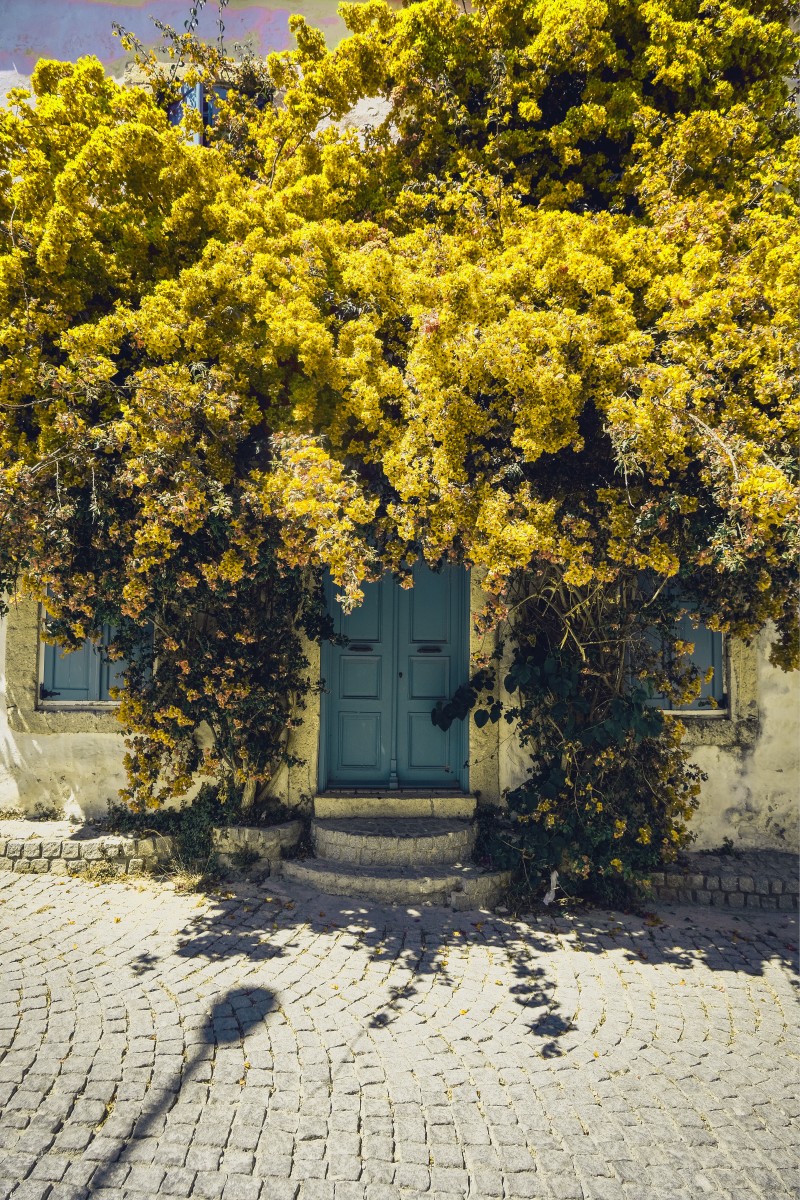
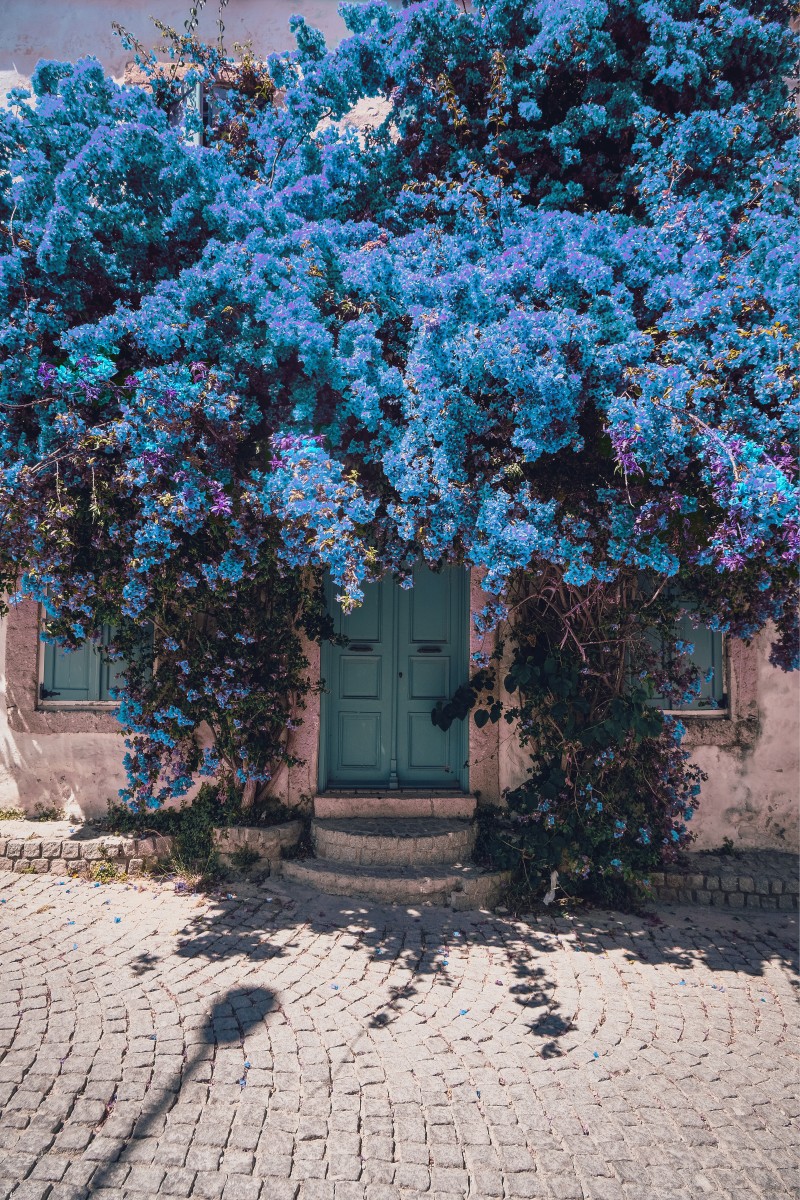
Color work
Choose your best photo in minutes
ZPS X is the number one tool for photo selection. Its fast importing and sorting saves you time. Quickly and easily select the photos that you want to edit.
TOP-OF-THE-LINE photo editing software for ONLY a few dollars a month.

10 minutes to better photos
No obligation or payment required. Try Zoner Photo Studio X completely free for 7 days.
Intuitive and easy to use
There’s nothing to wait for. Upload your photos to ZPS X and start editing within minutes. Now the real fun begins.
Give your photos the treatment they deserve
You’ve spent a lot of time shooting your photos and videos. Give them the treatment they deserve by selecting, retouching, and editing in ZPS X.

ZPS X grows with you
Zoner Photo Studio X knows just what your photos need. To start, it guides you through basic editing. And when the time comes, it offers advanced functions and techniques.
Getting started with ZPS X


Advanced editing


Discover new features
5 modules = 5 different ways to edit your photography
Get your photos organized in minutes. Save them in folders and sort them by date or location. Then label, delete, or watermark your photos.
ZPS X is the best tool for those just getting started with photography
Is photography your new passion? ZPS X guides you through basic editing and shares top editing tricks from experienced photographers. Check out the videos and tutorials on Learnphotography.com. Or ask the ZPS X community.
Dozens of video tutorials

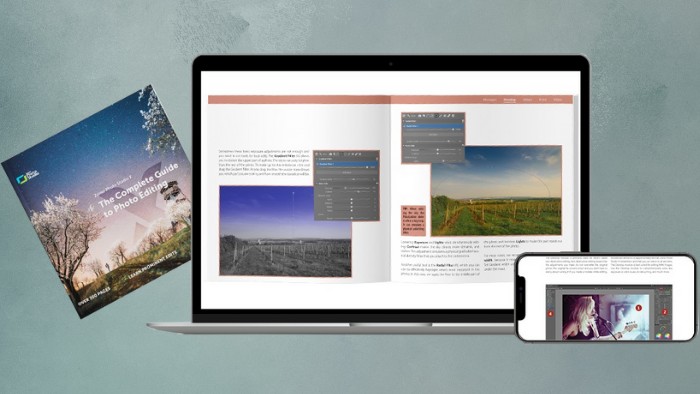
E-book written by ZPS X developers
Hundreds of how-to articles

The time to start is NOW
It’s simple. Download Zoner Photo Studio X and get better photos in just 10 minutes.
No obligation and no payment information required.