Downloaded! What now?
Now just install it and you can start creating. Good luck with your first edit.
File didn’t download? Download again
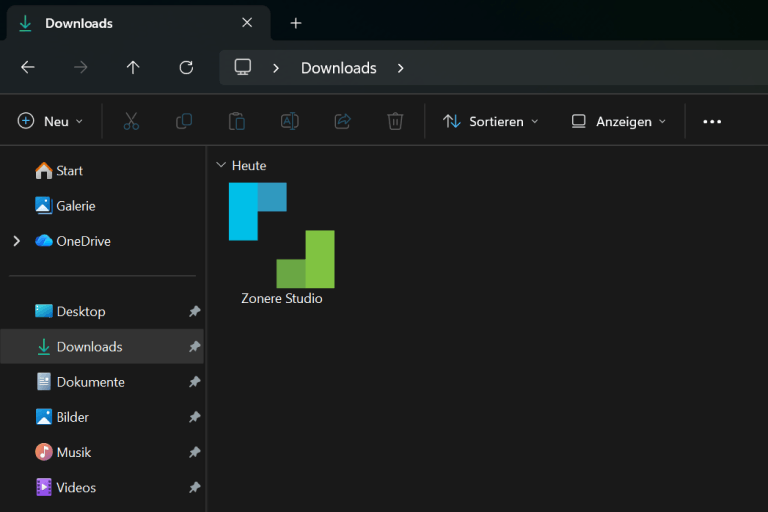
1. Open the downloaded file
You will find it in the Downloads folder. Just double-click it and the installation will start.
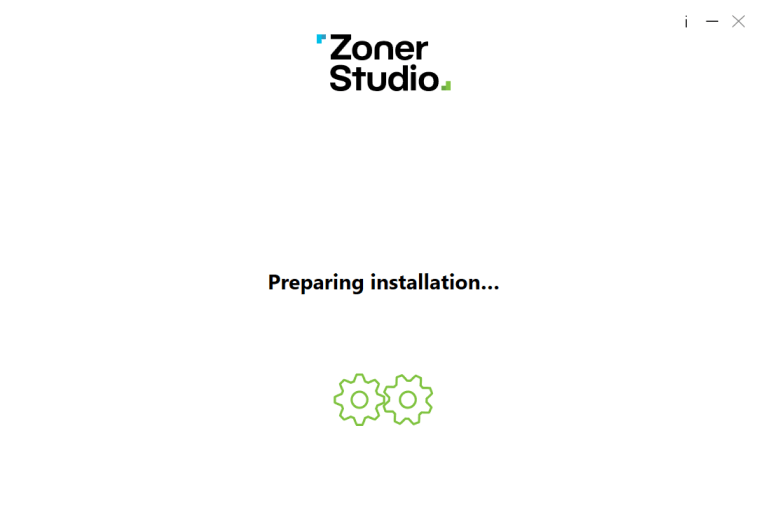
2. Install
The installation will run automatically. Wait until it is complete.
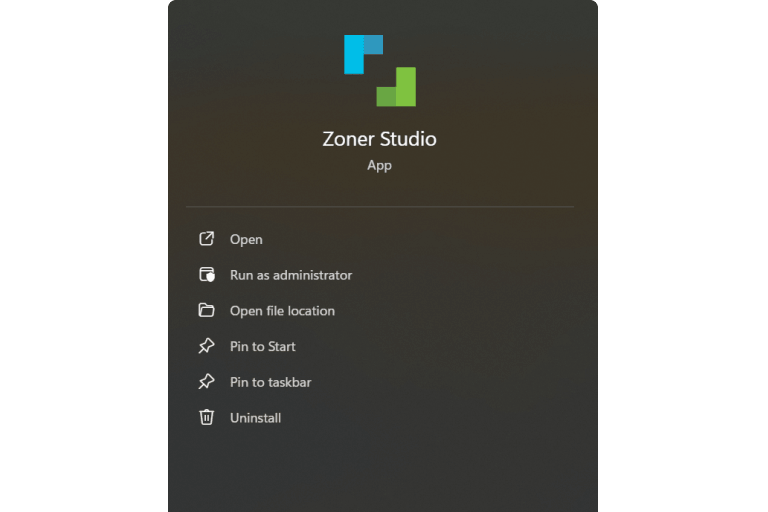
3. Launch
Open Zoner Studio from the Windows menu and sign in. Done, you can start editing.
Frequently asked questions
First, check your Downloads folder to make sure the file is really there. If it does not respond, try right-clicking it and choosing “Run as administrator”, or download it again.
Usually in the Downloads folder or in the bottom bar under a name starting with Zoner Studio.
It depends on your device’s performance, but it usually only takes a few minutes.
Yes. You can install Zoner Studio on any number of devices. Sign-in and usage depend on your license type.