No Gimmicks, Just Better Tools for Photographers
Photo stacking, smarter Search, improved photo series workflow, Smart Healing, and other enhancements photographers will actually use.
Discover what's new
Photo Stacking Tools
Turn a Photo Series into a Better Photo
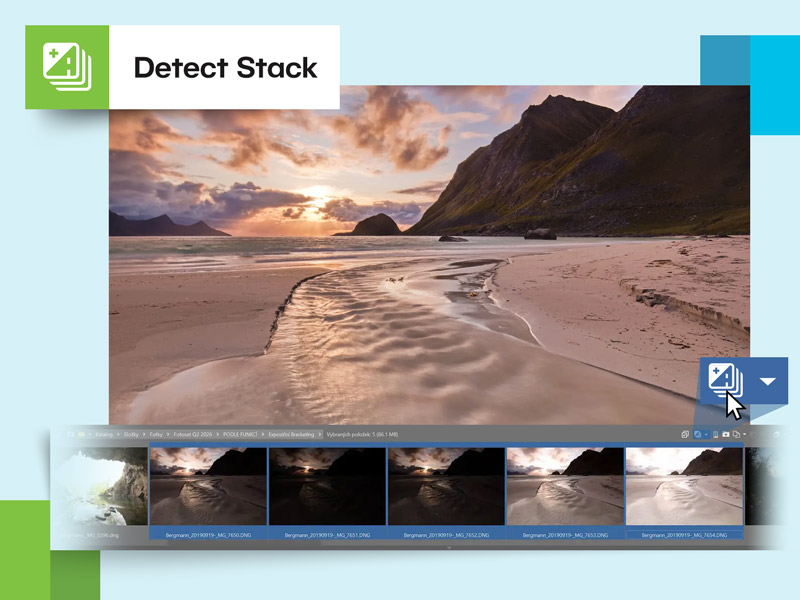
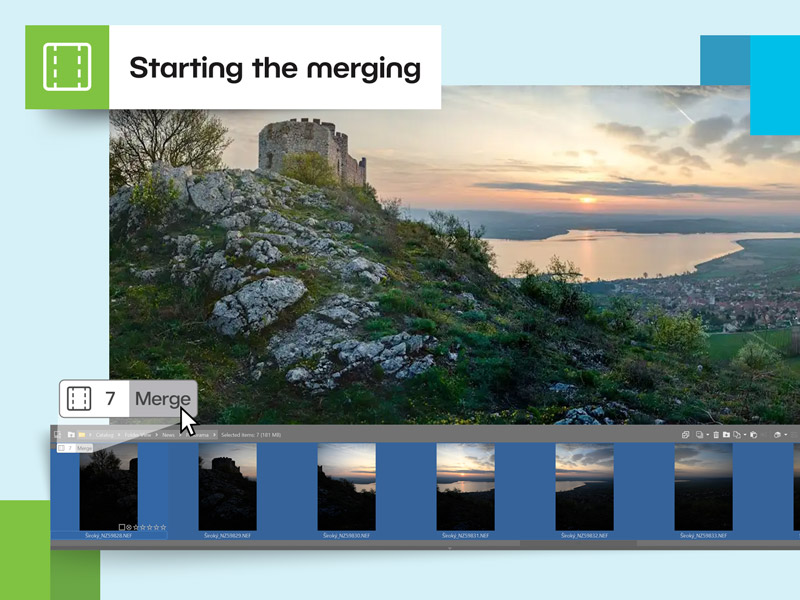
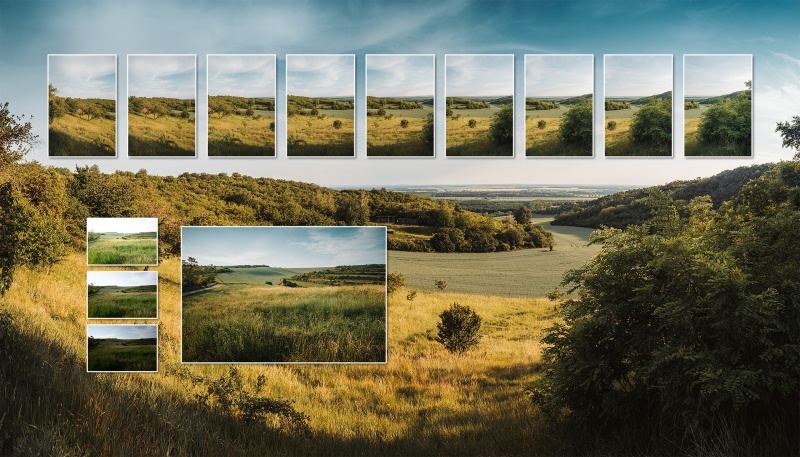
Zoner Studio brings advanced Photo Stacking Tools together in a single workflow. Whether you're adjusting sharpness, dynamic range, field of view, or motion effects, you can now combine multiple photos into one image.
Search
New Photo Search
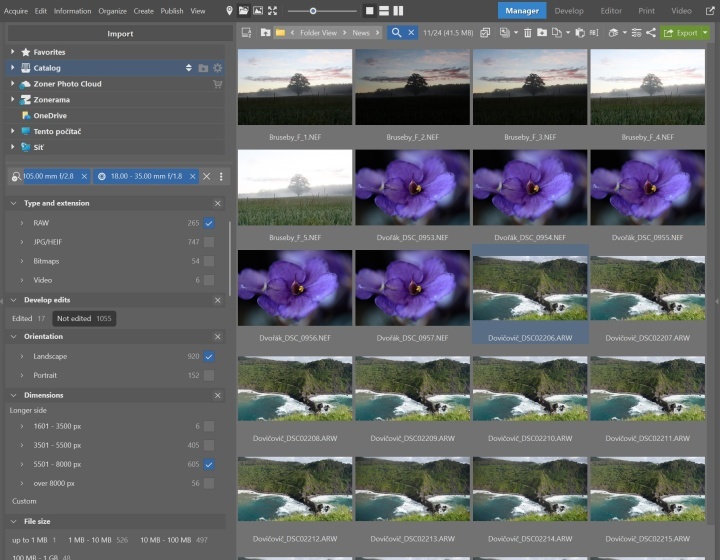
The new Search replaces Quick Search and significantly expands filtering options. Work with all available metadata, combine multiple criteria, and gain greater control over finding your photos.
Powerful Filtering in One Place
The new Search gives you full control over filtering and makes working with larger photo libraries faster.
- More search parameters
- Combine multiple filters
- Work with all available metadata
- Fast enough for even large photo libraries
- Works inside and outside the Catalog
Built for Everyday Workflows
Use Search to quickly filter photos by date or location, find images by rating, or identify RAW files ready for editing. Watch the video to explore more ways to use it.
See how it works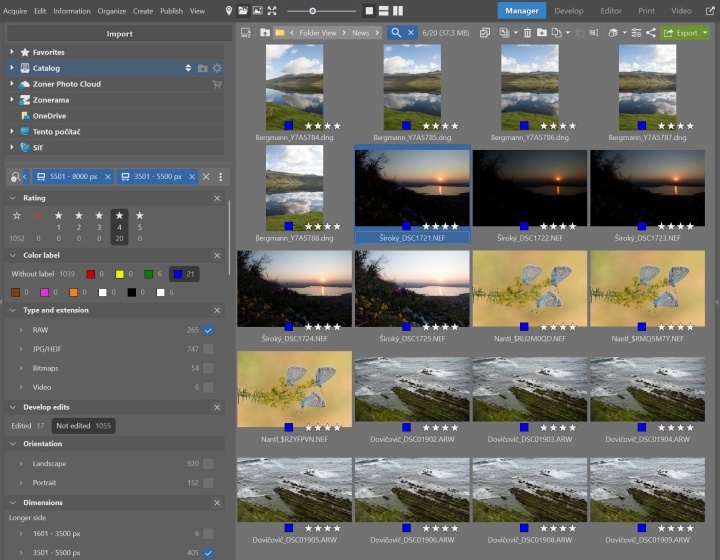
Autostack
New Smarter Autostack
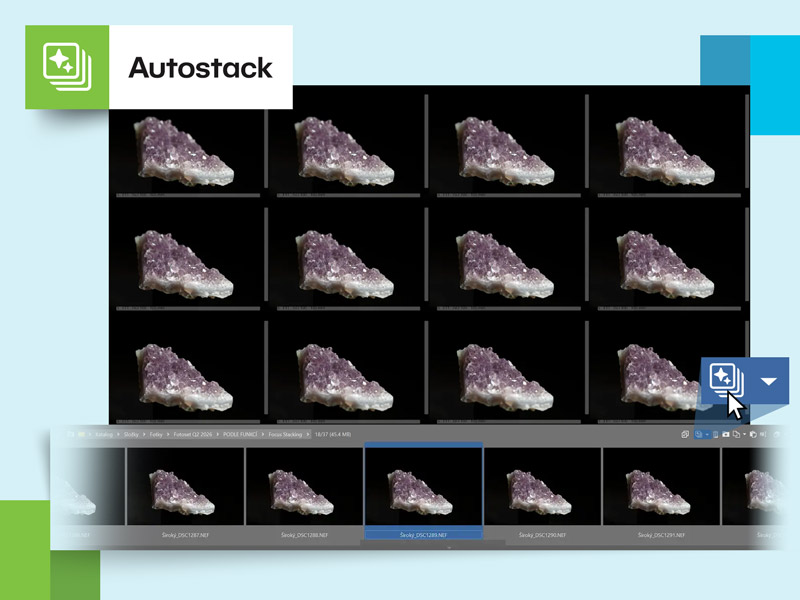
Autostack has been significantly improved to recognize photo series more accurately. Similar photos are automatically grouped and ready for the next step in your workflow.
Smart Healing
Faster Retouching for Everyday Fixes
The new Smart Healing tool complements our existing retouching tools. It’s faster and optimized for everyday adjustments. The original Retouching Tools are still available.
How It Works
This new tool takes the hassle out of everyday retouching. Simply mark the area you want to remove, and Zoner Studio fills it using surrounding pixels. If needed, you can generate a completely new result with a single click.
- Quickly remove small objects and blemishes
- Easier and faster than traditional retouching
- Try different results
- Ideal for everyday adjustments without manual cloning


When to Use Smart Healing
Smart Healing works best for smaller adjustments where precise manual retouching isn’t required. It’s perfect for removing blemishes, dust spots, crumbs, small background distractions, or other minor imperfections.
Try the New Tools in Zoner Studio
The new Photo Stacking Tools, Search, Autostack, and Smart Healing are available now. If you’re already using Zoner Studio, simply open it to try the new features on your own photos. New users can get started today with a free 7-day trial.
Try free for 7 days
More Improvements
Useful Enhancements for Everyday Workflow
A Closer Look at What's New
Discover practical ways to use the new features and learn how to get the most out of them with these articles on learn.zoner.com.

Zoner Studio Summer Update: Less Hassle, More Photography
Batch Photo Operations: Panoramas, Focus Stacking, and Removing Distractions
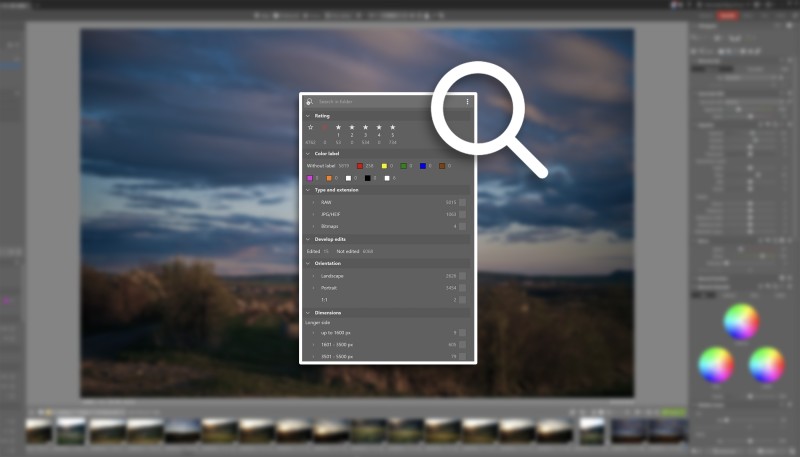
Search in Zoner Studio—Find Any Photo Instantly
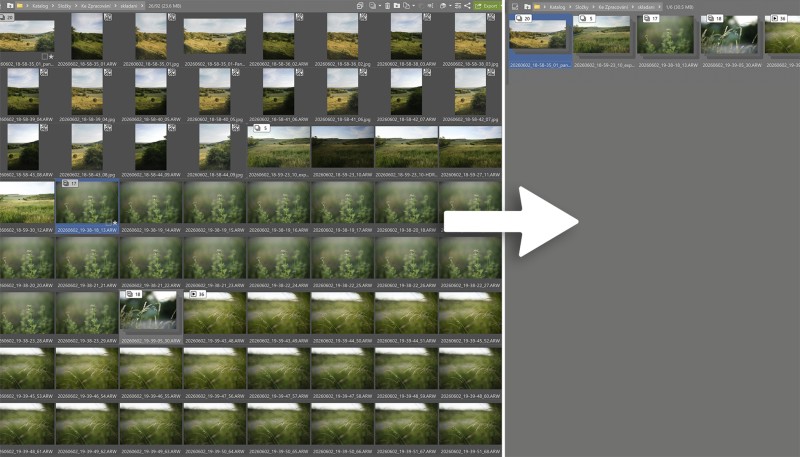
How Autostack Can Save You Hours of Work
Try Zoner Studio on your photos
Free for 7 days and no obligation